
Electronic Team uses cookies to personalize your experience on our website. By continuing to use this site, you agree to our cookie policy. Click here to learn more.
 Olga Weis
• Dec 15, 2025
Olga Weis
• Dec 15, 2025
Software protection dongles are often expensive to replace. Shells and cases are commonly used in an attempt to prevent breakage. However, they are not a perfect solution. The dongle can still be lost, it’s still not invulnerable, and the price for the protective cases can add up. There is only one perfect solution for dongle protection, and it’s Donglify.
Dongle protection ranges from storage cases - often, not even waterproof - to advanced protective shells that don’t just cover the dongle, but also act as an adapter, and protect the USB plug of the device from wearing out. This category also includes anti-snag covers that prevent a protruding dongle from being yanked sideways while stuck in a USB port. All these solutions address the same problem - as long as you have the dongle, it’s vulnerable.
Some problems are poorly addressed by mechanical protection, and some are not addressed at all. What about loss or theft? And if you go for the best possible solutions, they need to be bought individually for every device. There is a superior alternative to mechanical dongle protection - remote access.
Donglify is a remote dongle sharing solution that acts as a USB dongle protector by letting you keep these devices in the safety of your home, or other secure areas. It allows a computer to act as a host and grant remote access to the connected dongles over the Internet. For maximum security, you can log in via temporary tokens, and immediately remove any token if you suspect that there was an unauthorized sign-in. In addition, not having to unplug and replug it will protect your dongle’s lifespan.
A single Donglify license will allow 10 simultaneous connections, and allows active clients on up to 10 computers at a time. If you have a large amount of tokens, it’s a good way to save money on individual protectors. Finally, there is a free trial, so you can check Donglify out and experience its benefits on your own!
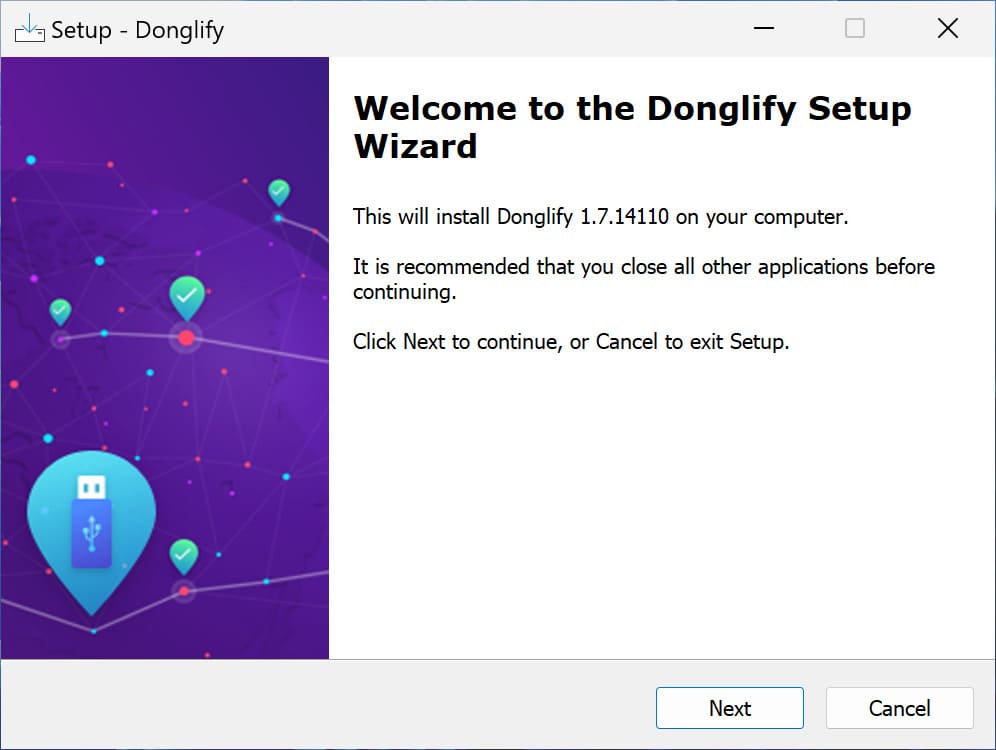


As long as this computer is connected to the Internet, any other Donglify instance that’s signed into your account will be able to access it remotely.