Cookie
Electronic Team uses cookies to personalize your experience on our website. By continuing to use this site, you agree to our cookie policy. Click here to learn more.
How to Use Software Without Dongles

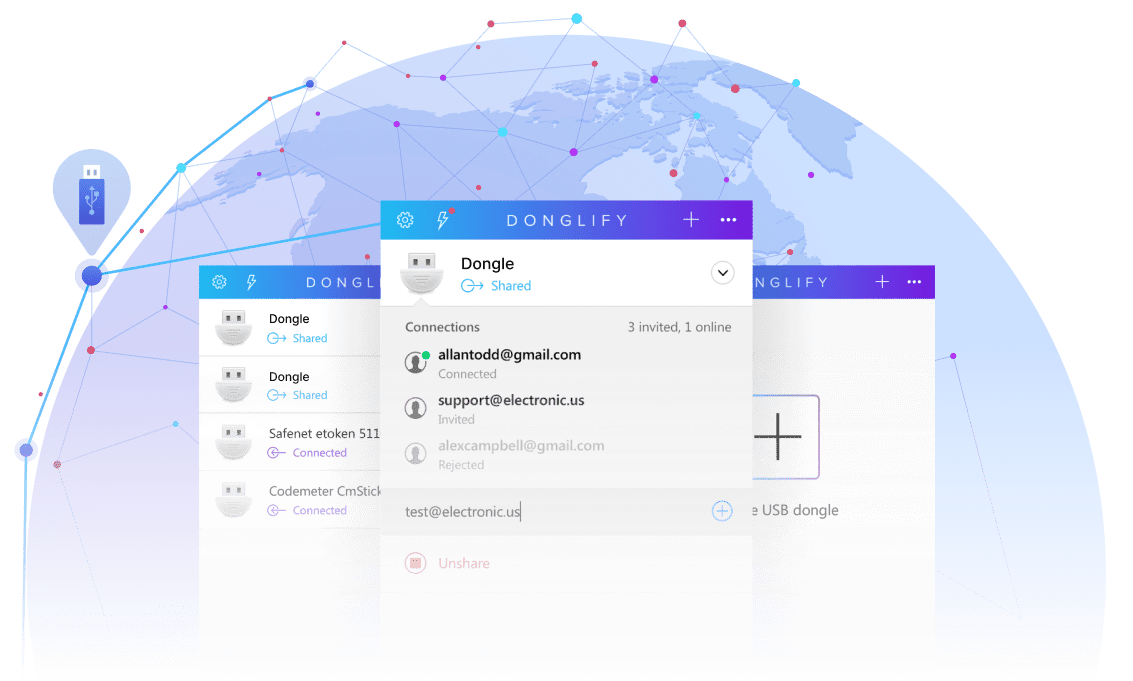
Using restricted software can be challenging. You may have a valid license, but not be in proximity of the software's security dongle. Donglify eliminates this problem by letting you share the dongle over a network. Authorized computers can access the security key remotely with the functionality of a local connection from any location. Where the software license permits, multiple users can share access to a single dongle.
4.5 rank based on 198+ users
Available on Windows 7/8/10/11, Server 2008 R2/2012/2016/2019/2022/2025, Windows 10/11 on ARM, macOS 10.15+
screen
secure communications

Secure communications

Donglify protects your sensitive data with 2048-bit SSL encryption over all network connections.
Simultaneous access

Simultaneous access

Multiple machines can use the same USB dongle simultaneously with Donglify.
Full functionality

Full functionality

A shared USB Dongle appears as if it was physically connected to a remote computer and provides the full functionality of a local device.
A comprehensive solution

A comprehensive solution

Donglify does not require additional software or hardware to share a USB security key over a network.

How to Remotely Access a Software Protection Dongle

1. Registration

First, register for a Donglify account to begin the free 7-day
demo.
Local computer

2. Installation

Download and install Donglify on the machine with the physical dongle connection, and on all remote machines that will access the security key.
Local computer
Remote computer

3. Connecting a dongle

On the computer attached to the dongle, start Donglify and click the “Plus” icon. You will be presented with a list of local USB devices. Check the radio button next to the selected dongle and click “Share.”
Local computer
Remote computer

4. Access a remote dongle

Open Donglify on the remote computer, locate the dongle you want to access, and click “Connect”.
Remote computer

You’re done!

The USB Dongle will now appear in remote computers as if they were physically connected to the device, and you can use the software without a local dongle.
Start your free trial today
7-day Trial Cancel anytime
Available on Windows 7/8/10/11, Server 2008 R2/2012/2016/2019/2022/2025, Windows 10/11 on ARM, macOS 10.15+
Already a Donglify user? Sign In →

Why Use Software Without a Physical Dongle?

  • case 1
    Multiple keys and limited ports

    USB dongles occupy a physical port. Most computers do not have enough ports to support workflows requiring multiple dongles.

  • case 3
    Virtual machines lack dongle access

    Virtual sessions in RDP, VMware, and Hyper-V have no native path to a dongle on the host and cannot run installed, protected software.

  • case 2
    Teams must share a dongle

    Users risk loss, damage, and lost productivity when they need to share a dongle physically. Replacing the security key may be a time-consuming and expensive process.

  • case 4
    The dongle may be hard to find

    Remote workers and distributed teams may need a dongle that is physically located elsewhere, which can lead to lost productivity.

​​Three Ways to Grant Access

Donglify provides three methods to control who can connect to a shared dongle and how long they can access the device.
Method
How it works
Best for
Account-based Both computers use the same Donglify account and credentials to see each other's shared dongles automatically. Internal team members
Invitation-based You can send an email invite to another Donglify account so they can connect to a shared dongle without your credentials. Trusted contractors and partners
Token-based Users can generate a login token that grants access to your account's shared dongles. Anyone can use the token for temporary device access. Client demos, limited trials, and access by external teams.
Donglify logo
Donglify — Access Your Software Dongle Remotely
It’s easy to register for a free Donglify account.